Make a different batch size
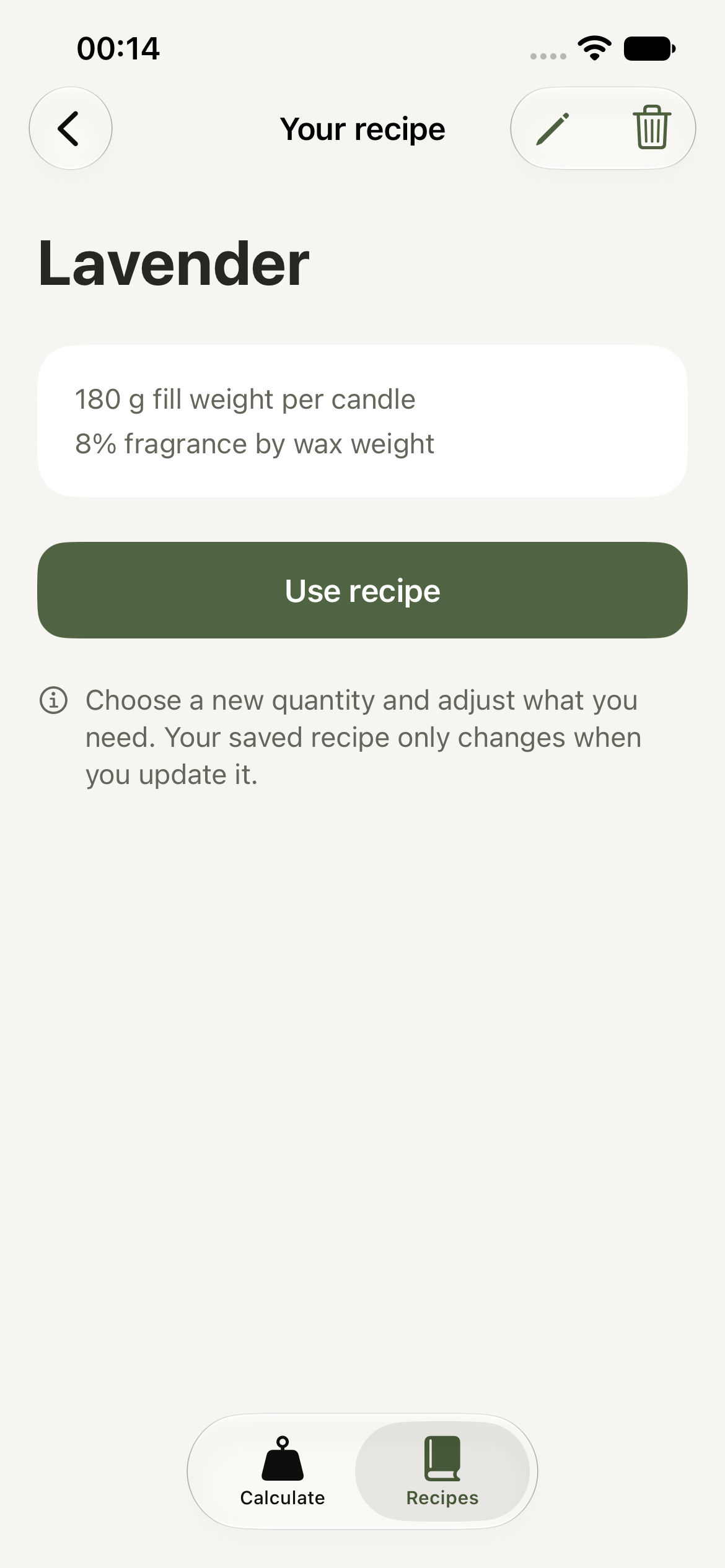
Open a saved recipe and choose how many candles to make. Your fill weight and fragrance percentage are already there.
Plan your batch, weigh your ingredients, and keep the recipes you want to make again.
Try the calculatorUS$9.99 · One app purchase. All features included.
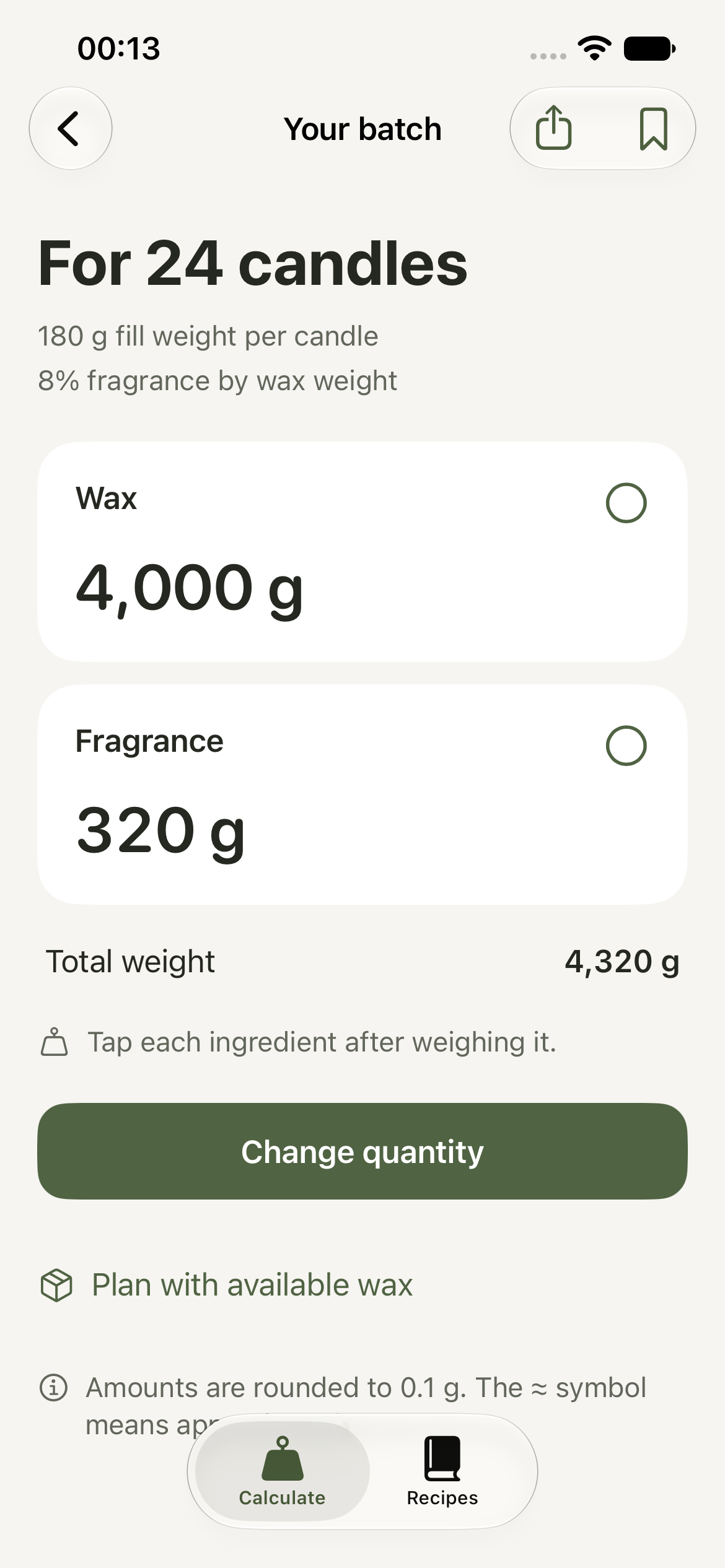
Switch the percentage basis to see how the wax and fragrance amounts change. The total batch weight stays the same.
What each option meansTotal weight 4,320 g
Open a saved recipe and choose how many candles to make. Your fill weight and fragrance percentage are already there.
Export your recipes to a file and save it outside Cera. Import it whenever you need to restore them.
Enter your remaining wax to find how many whole candles your formula can make, how much fragrance to weigh, and how much wax will be left.
Mark wax and fragrance as you weigh them. Share a batch sheet with the quantities, formula, and saved materials.
Explore ten candle projects, from soy jars to hand-dipped tapers, with materials, steps, difficulty, and original sources.
No. Cera is a US$9.99 app purchase with all features included. Save as many recipes as you like. There are no subscriptions or in-app upgrades.
Use the percentage in your tested formula, following your suppliers' guidance. Cera calculates the amounts from the percentage you enter.
The combined wax and fragrance weight for one candle, without the container. A jar's capacity in fluid ounces or milliliters isn't its fill weight in ounces or grams.
Yes. Cera converts the weight when you switch units. Ounces are measured by weight, not volume.
Yes. You can calculate batches and use your recipes without an internet connection or an account.
On your iPhone. Before deleting the app, export a backup and save it outside Cera's folder to keep your recipes. Privacy policy.